


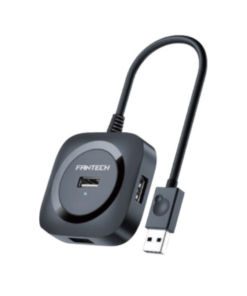
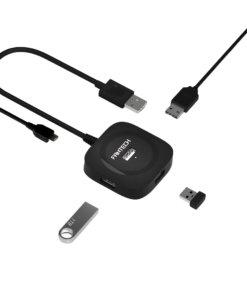
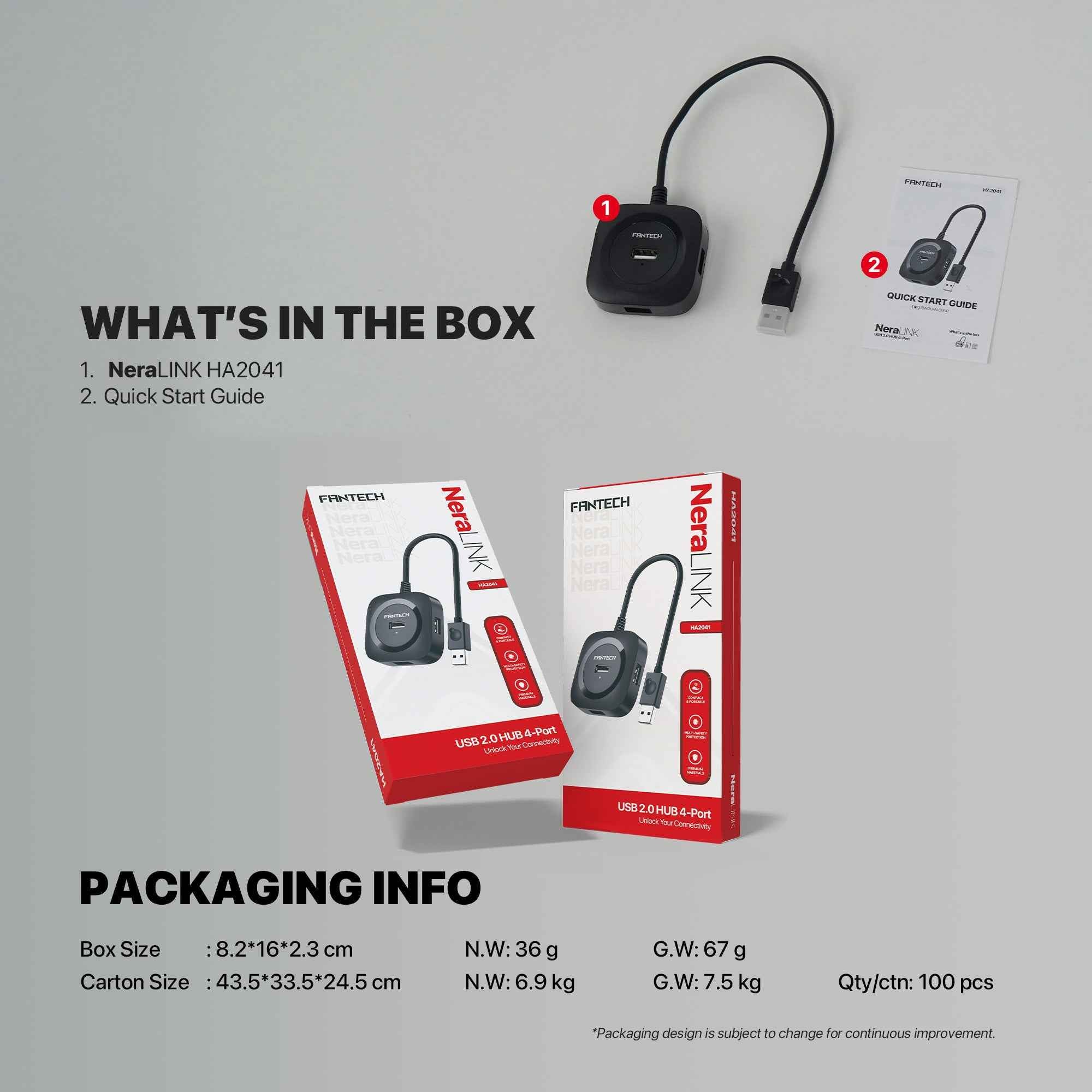
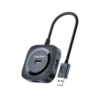
FANTECH HA2041 NeraLink 4 Port USB 2.0 Hub
Buy the FANTECH HA2041 NeraLink 4 Port USB 2.0 Hub in Bangladesh from T-TECH. A genuine usb hub with reliable performance and great value. Price in Bangladesh: 550. 100% authentic with warranty and cash on delivery nationwide.
 Call Now for Online Order
 Via Messenger
 Via WhatsApp
Warranty

 12 Month Warranty
Shipping


Payment Methods
Delivery Time
Inside Dhaka: Next day to 3 business days. *Inside Dhaka North and South City Corporation. Outside Dhaka: Next day to 5 business days.
Shipping Charge
Inside Dhaka: Starts from 70Tk. Outside Dhaka: Starts from 120Tk.
Payments
Spend TK.5000+ & pay in 3-36 months.
FANTECH HA2041 NeraLink 4 Port USB 2.0 Hub
See more products in the hubs category.
Order from T-Tech or visit our Shop- (New)06, 1st Floor, Shah Amanat City Corporation Super Market, Chittagong, Bangladesh.
Why Choose T-Tech?
Don’t just buy gadgets; invest in performance. T-Tech is your premier source for the latest in wearable Smartwatches, studio-quality TWS, and the power you need with our premium Power Banks and Adapters. Stay cool with our high-airflow Fans and stay ahead of the curve. Experience the future of tech today.
FAQs
1. What makes the Fantech NeraLink different from unbranded hubs?
The Fantech HA2041 is backed by Fantech’s reputation as a top-tier gaming peripherals brand. Unlike generic unbranded hubs, the NeraLink is engineered with reliable internal circuitry that provides stable power distribution, minimizing connection drops for your keyboard, mouse, or controllers during critical gaming moments or important work calls.
2. Can I use this with my gaming console?
Yes! The HA2041 is a fantastic add-on for the PS4, PS5, and Xbox series. It allows you to expand the single USB port on your console to connect multiple devices like a gaming headset, a cooling fan, a charging cable, and a mouse/keyboard adapter simultaneously.
3. Will this hub slow down my file transfer speeds?
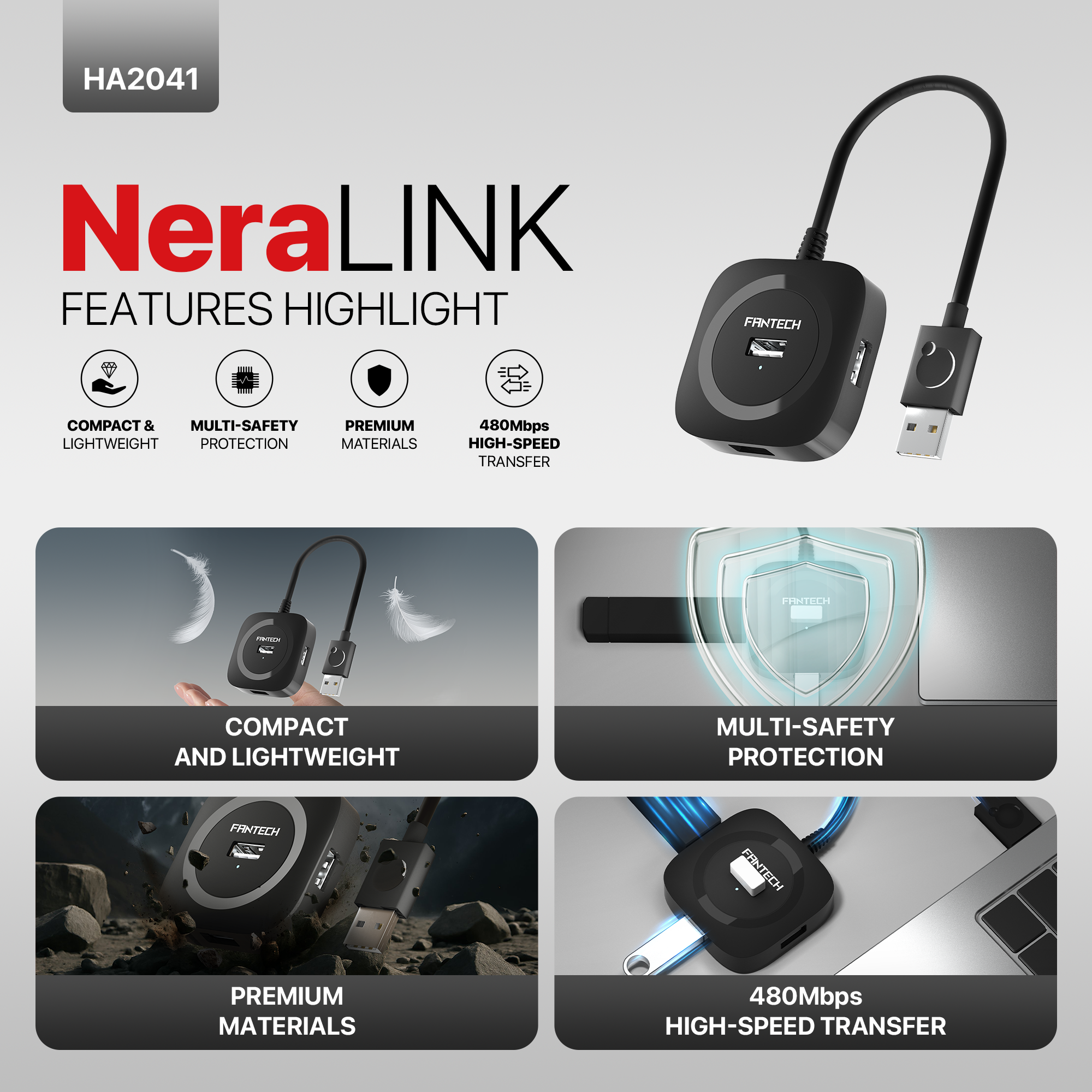
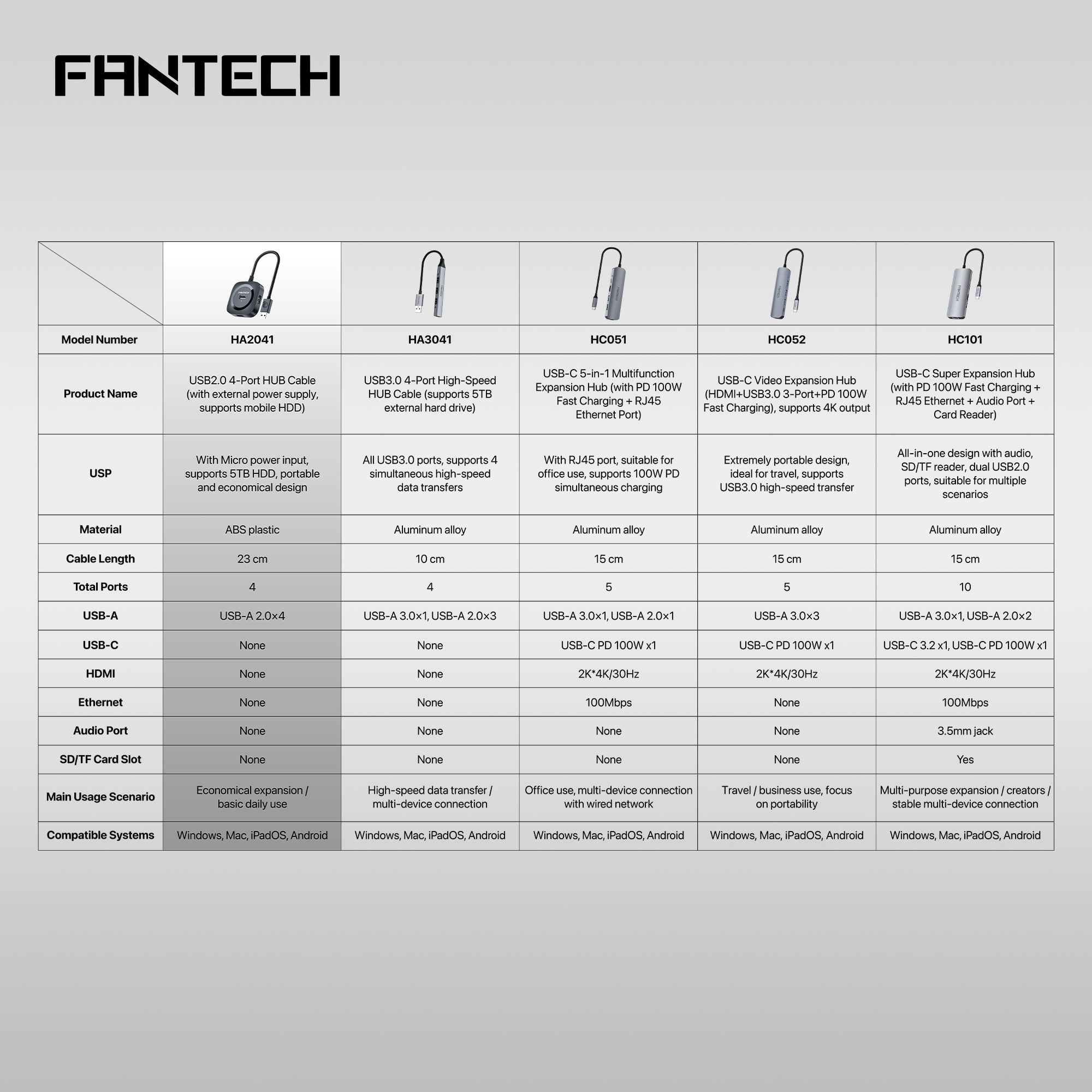
The HA2041 is a USB 2.0 hub, designed specifically for maximum compatibility with input peripherals. It offers a transfer speed of 480Mbps. It is perfectly optimized for keyboards, mice, printers, and document-based data transfers. It is the ideal “workstation organizer” rather than a high-speed external hard drive backup solution.
4. Is the cable long enough for a desk setup?
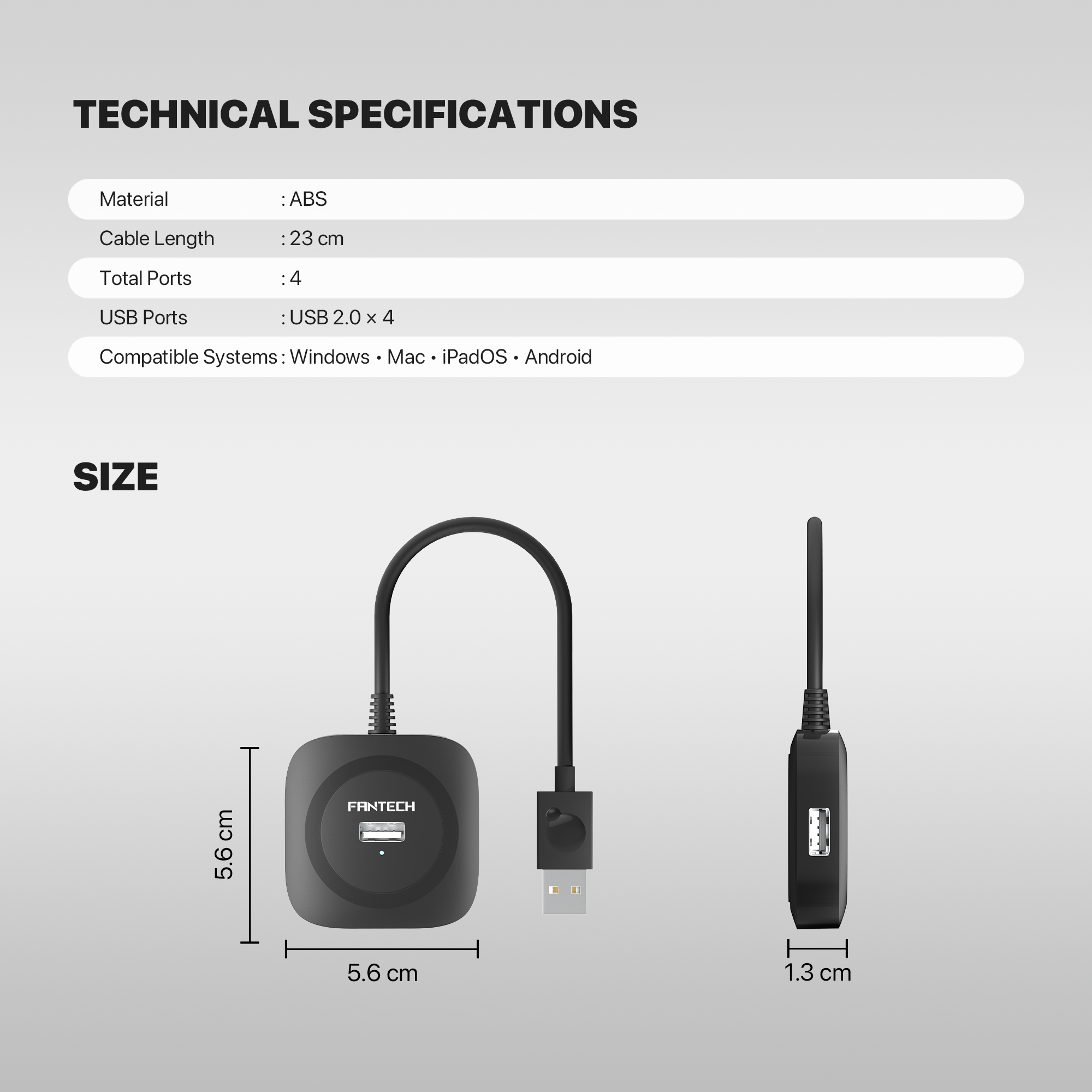
The hub features a thoughtfully designed cable length that is perfect for desktop setups. It reaches comfortably from the back of a PC tower or side of a laptop to your desk surface, ensuring your peripheral cables don’t look cluttered or stretched.
5. Does it require any external power?
No, it is Bus-Powered. This means it draws the necessary energy directly from your computer’s USB port. It is “Plug and Play,” so you don’t have to worry about carrying an extra power adapter or finding a spare wall socket to make it work.
6. Can I connect power-hungry devices like smartphones?
The HA2041 is best suited for low-power peripherals like mice, keyboards, and USB thumb drives. While it can technically charge a phone, it will be at a slow rate. For heavy-duty phone charging, we recommend plugging the phone directly into your wall adapter or a dedicated power bank.
7. Is it compatible with both Windows and Mac?
Absolutely. The NeraLink is a universal device that works seamlessly with Windows 10/11, macOS, and Linux. There are no drivers to download—simply plug it into any standard USB-A port and it is ready to use in seconds.
8. Why is “4-Port” the ideal size for this hub?
Four ports is the “sweet spot” for most users. It allows you to connect a Keyboard, Mouse, Headset, and Flash Drive all at once without creating the “cable spaghetti” nightmare that happens with larger 7 or 10-port hubs, keeping your desk looking clean and professional.
9. Is the NeraLink durable enough for daily travel?
Yes. Its compact, slim profile and durable ABS plastic construction make it an excellent choice for remote workers. It fits into a laptop sleeve or pocket, so you can easily move your entire peripheral setup between the office, home, and coffee shops.
10. How does this improve my cable management?
By grouping all your peripheral cables into one central hub, you reduce the number of wires running to your PC/Laptop. This not only makes your desk look tidier but also puts less wear and tear on the actual USB port of your expensive laptop, as you won’t be plugging and unplugging devices constantly.
Frequently Asked Questions
What is the price of the FANTECH HA2041 NeraLink 4 Port USB 2.0 Hub in Bangladesh?
The FANTECH HA2041 NeraLink 4 Port USB 2.0 Hub is priced at BDT 550 at T-TECH Bangladesh, with EMI options available on eligible cards.
Is the FANTECH HA2041 NeraLink 4 Port USB 2.0 Hub an authentic product?
All Fantech products sold at T-TECH Bangladesh are 100% genuine, sourced through official channels.
Does the FANTECH HA2041 NeraLink 4 Port USB 2.0 Hub come with a warranty?
Yes, it comes with official warranty coverage handled directly through T-TECH's after-sales service.
Can I pay cash on delivery for the FANTECH HA2041 NeraLink 4 Port USB 2.0 Hub?
Yes, cash on delivery is available nationwide, along with EMI payment options on eligible cards.
How long does delivery take for the FANTECH HA2041 NeraLink 4 Port USB 2.0 Hub in Bangladesh?
Orders are typically processed within 1 business day and delivered within 1–5 business days across Bangladesh, with a 7-day return window.
| Warranty | 12 Month |
|---|
Brand
Fantech
Be the first to review “FANTECH HA2041 NeraLink 4 Port USB 2.0 Hub”
Related products
Reviews
There are no reviews yet.