Hoco GM202 Laser Pointer
Original price was: ৳ 1,200.00.৳ 1,000.00Current price is: ৳ 1,000.00.
 Call Now for Online Order
 Via Messenger
 Via WhatsApp
EMI available for orders above ৳ 5,000.00.


Warranty

7 Days Replacement

6 Month Warranty
Shipping


Payment Methods
Delivery Time
Inside Dhaka: Next day to 3 business days.
*Inside Dhaka North and South City Corporation.
Outside Dhaka: Next day to 5 business days.
Shipping Charge
Inside Dhaka: Starts from 60Tk.
Outside Dhaka: Starts from 120Tk.
Payments
Spend TK.5000+ & pay in 3-36 months.
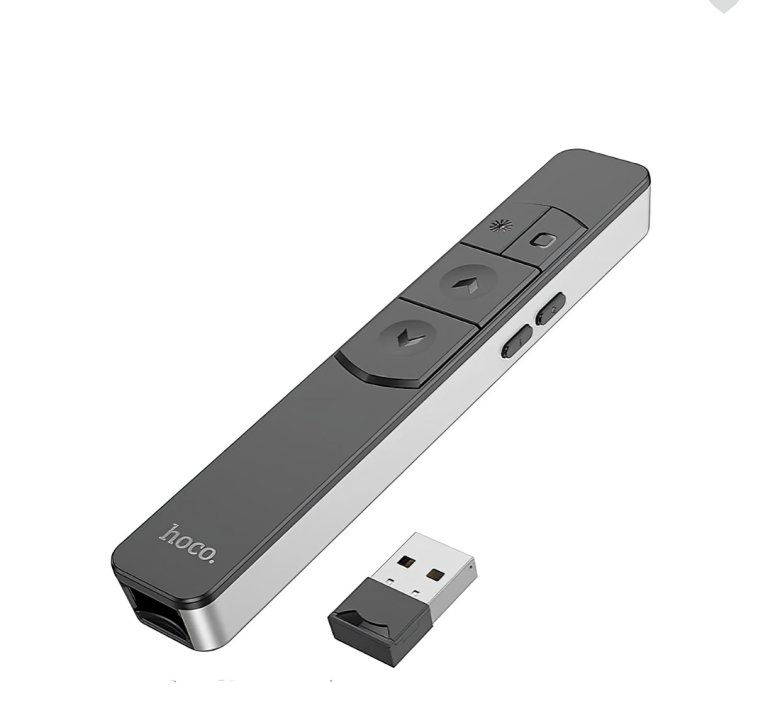
Hoco GM202 Laser Pointer
Description
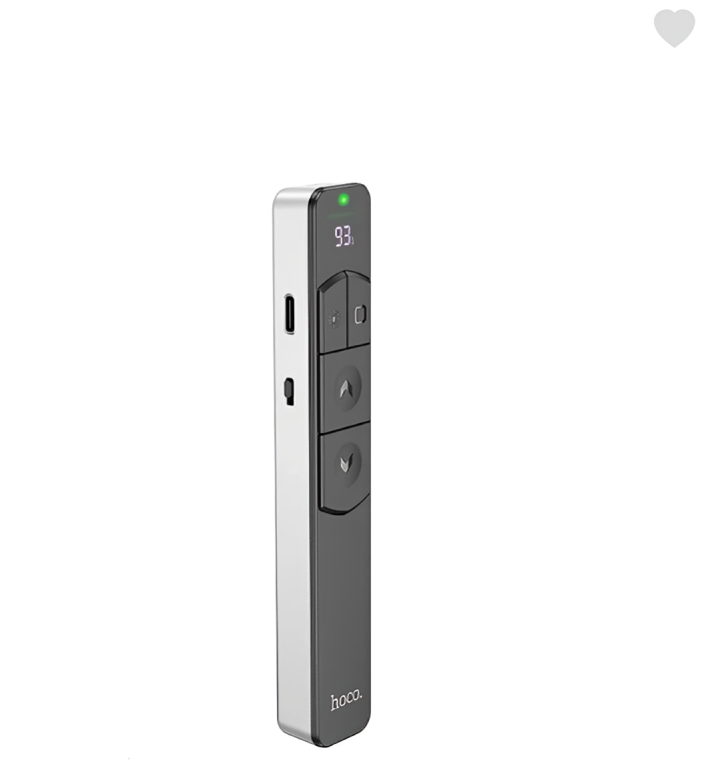
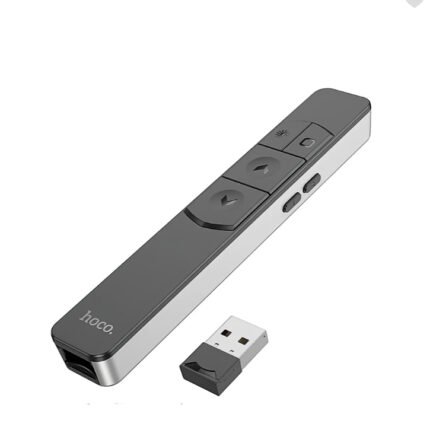
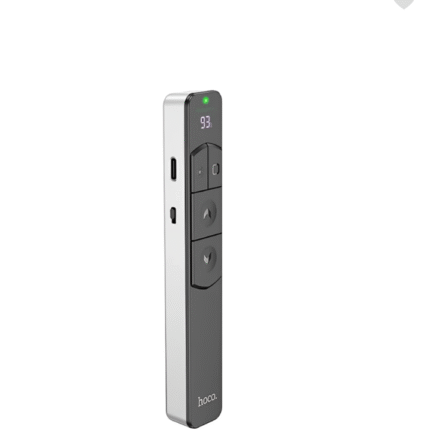
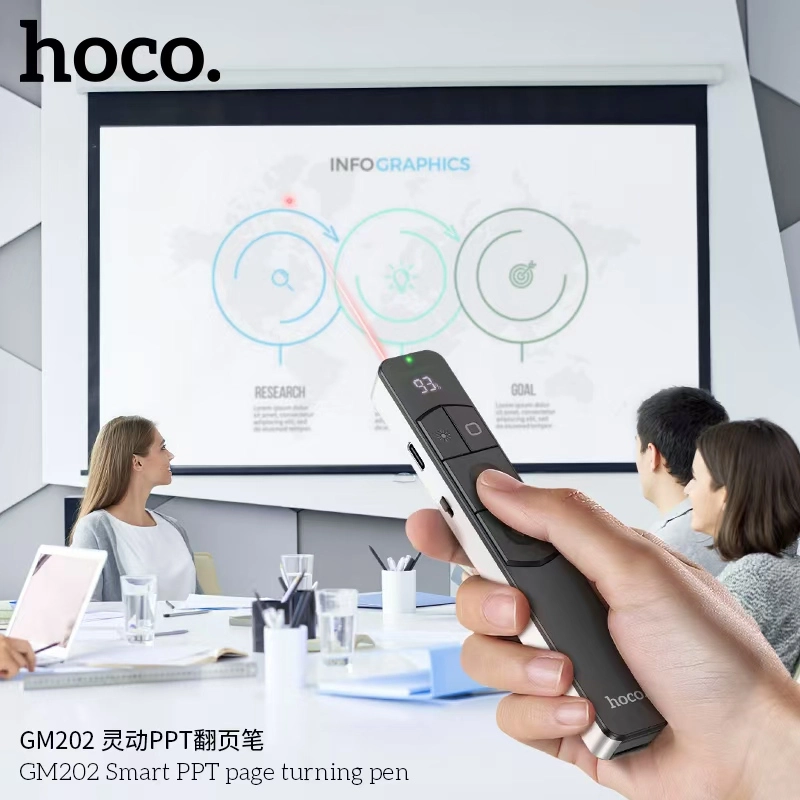
The Hoco GM202 is a sleek, “pen-style” wireless presenter crafted from durable PC and ABS materials. It utilizes a stable 2.4GHz wireless connection via a compact USB receiver that stores magnetically inside the device. Its standout feature is the integrated LED digital display, which provides real-time information on battery percentage, ensuring you are never caught off guard during an important speech.Order from T-Tech or visit our shop at Shop- (New)06, 1st Floor, Shah Amanat City Corporation Super Market, Chittagong, Bangladesh.
Specifications
| Feature | Details |
| Model | GM202 |
| Connectivity | 2.4GHz Wireless (via USB Receiver) |
| Control Distance | Up to 100 meters |
| Laser Type | Red Light Laser |
| Battery Capacity | 180 mAh (Rechargeable Lithium) |
| Working Time | Approx. 8 hours of continuous use |
| Charging Port | USB-C |
| Material | PC + ABS + Electronic Components |
| Display | LED Digital Display (Battery Status) |
| Compatibility | Windows, macOS, Android, Linux |
Key Features
-
Extended Range: A massive 100m control range allows presenters to move freely around large auditoriums or classrooms.
-
Smart LED Display: Unlike basic clickers, the GM202 shows the exact battery percentage on a small screen.
-
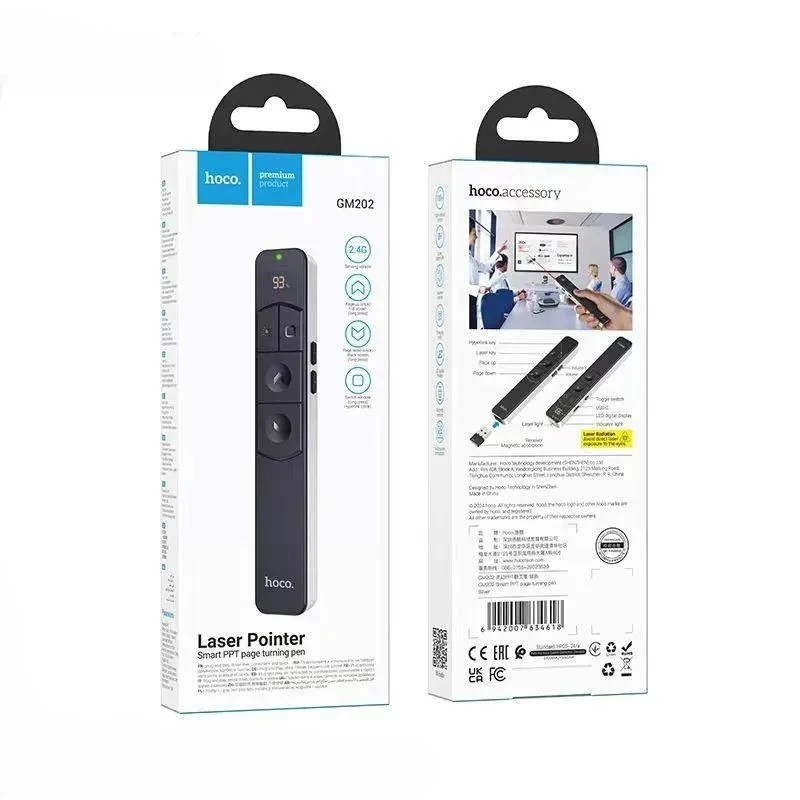
Comprehensive Slide Control: Supports one-key full screen, black screen (to redirect audience attention), and standard page up/down.
-
Volume Management: Includes 360-degree volume control buttons to manage multimedia audio directly from the remote.
-
Magnetic Receiver Storage: The USB receiver snaps into the base of the pointer, reducing the risk of losing it during travel.
-
Hyperlink Support: Optimized for modern presentations, allowing you to click and open embedded links seamlessly.
Hoco GM202 Laser Pointer Best Price in Bangladesh
Hoco GM202 Laser Pointer Best Price in Bangladesh is 1,000 BDT.
FAQs
1. Is any software installation required? No, it is a Plug-and-Play device. Simply insert the USB receiver into your computer, and it will be recognized as a standard input device (no drivers needed).
2. How do I know when to charge it? The built-in LED digital display shows the battery level. When the percentage is low, simply plug it into a USB-C cable (included in the box).
3. Does the laser work on LED/LCD TV screens? Like most standard red laser pointers, the beam may be difficult to see on high-brightness LED or LCD monitors. It is most effective on traditional projector screens or whiteboards.
4. Can I use it with a Mac? Yes, it is fully compatible with macOS, though you may occasionally need to dismiss the “Keyboard Setup Assistant” when first plugging in the receiver.
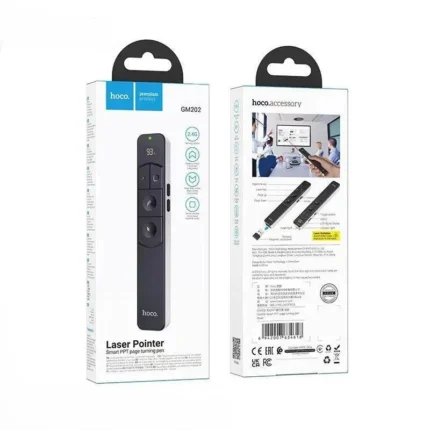
5. What is in the box? The standard package includes the Hoco GM202 Pointer, a USB Wireless Receiver (usually stored in the bottom), a USB-C Charging Cable, and a User Manual.
Related products