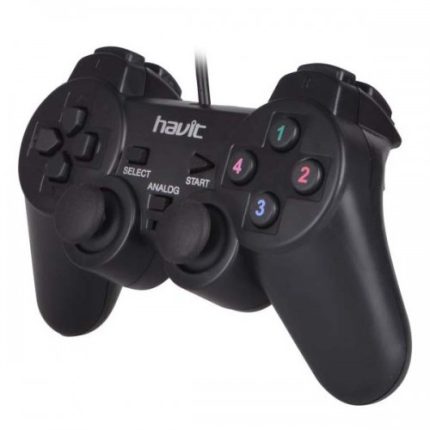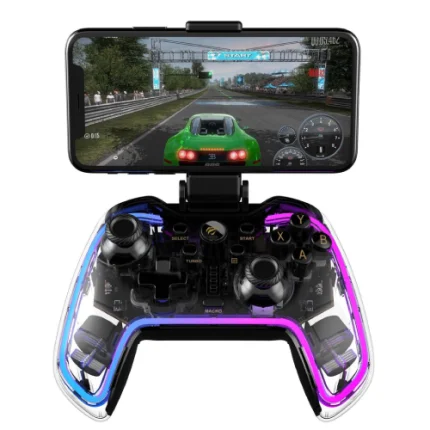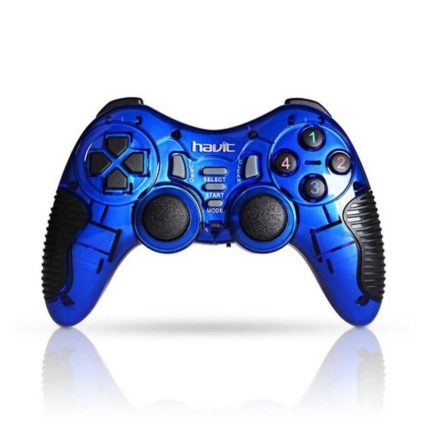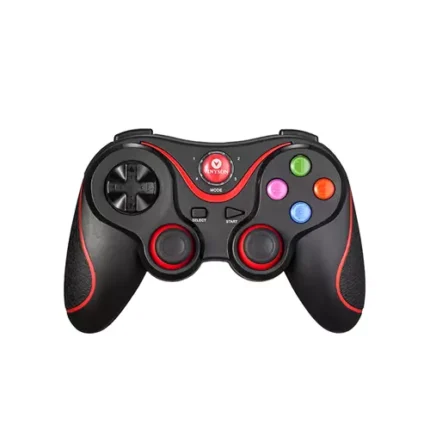



Havit G89W 2.4GHZ Wireless Vibration GamePad
Original price was: ৳ 1,800.00.৳ 1,450.00Current price is: ৳ 1,450.00.
 Call Now for Online Order
 Via Messenger
 Via WhatsApp
EMI available for orders above ৳ 5,000.00.


Warranty

7 Days Replacement

6 Month Warranty
Shipping


Payment Methods
Delivery Time
Inside Dhaka: Next day to 3 business days.
*Inside Dhaka North and South City Corporation.
Outside Dhaka: Next day to 5 business days.
Shipping Charge
Inside Dhaka: Starts from 60Tk.
Outside Dhaka: Starts from 120Tk.
Payments
Spend TK.5000+ & pay in 3-36 months.
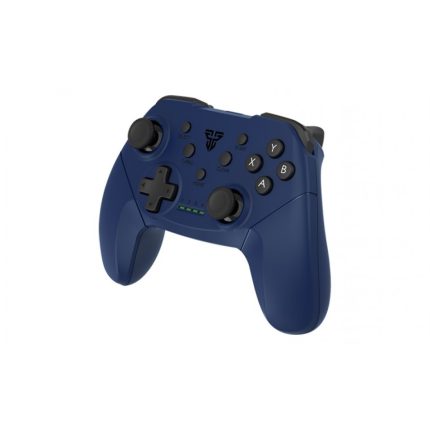
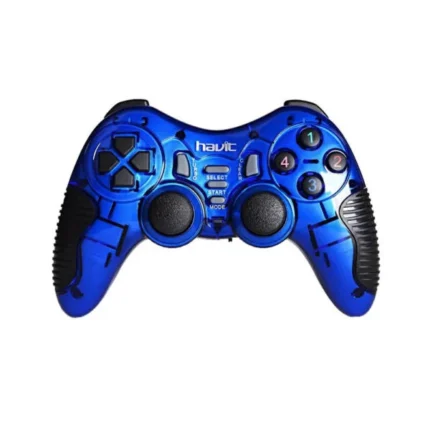
Havit G89W 2.4GHZ Wireless Vibration GamePad
Description
The Havit G89W features a familiar, ergonomic layout that reduces hand fatigue during long gaming sessions. It utilizes a reliable 2.4GHz wireless connection to provide freedom of movement up to 10–20 meters. With its plug-and-play capability for PC (Xinput mode) and PS3, it is an accessible choice for both modern action titles and classic retro gaming.Order from T-Tech or visit our Shop- (New)06, 1st Floor, Shah Amanat City Corporation Super Market, Chittagong, Bangladesh.
Specifications
| Feature | Details |
| Model | Havit G89W / HV-G89W |
| Connectivity | 2.4GHz Wireless (via USB Nano Receiver) |
| Interface | USB (Receiver), PS2 Connector (on some versions) |
| Operating Range | 5 – 20 Meters |
| Buttons | 12 Action Buttons, 8-way D-Pad, 2 Analog Sticks |
| Vibration | Dual Motors (Vibration Feedback) |
| Power Source | Typically 3x AAA Batteries or Built-in Rechargeable (varies by region) |
| Compatibility | PC (Windows XP/7/8/10/11), PS2, PS3, Android TV |
| Warranty | 1 Year (Standard) |
Key Features
-
Dual Vibration Feedback: Built-in dual motors provide tactile feedback for immersive gameplay, allowing you to feel every hit, crash, and explosion.
-
Turbo & Clear Function: Includes a “Turbo” button for rapid-fire actions, which is essential for fighting and arcade-style games.
-
Ergonomic Grip: Designed with a non-slip texture and a shape that fits naturally in the palms to prevent slipping and strain.
-
Multi-Mode Support: Seamlessly switches between Digital and Analog modes. It also supports Xinput for modern PC games and DirectInput for older titles.
-
Power Saving: Features an automatic Sleep Mode and a low-power alarm to preserve battery life when the controller is idle.
Havit G89W 2.4GHZ Wireless Vibration GamePad Best Prie in Banngladesh
Havit G89W 2.4GHZ Wireless Vibration GamePad Best Prie in Banngladesh is 1,450 BDT.
FAQs
Q: Does it work with Windows 11?A: Yes, the Havit G89W is plug-and-play on Windows 10 and 11, typically recognized as an Xbox 360 controller via Xinput mode.
Q: Can I use this with my Android phone?A: While it is primarily for PC/PS3, it can work with Android devices or Android TVs using a USB OTG adapter, provided the device supports gamepads.
Q: How do I enable the Turbo function?A: Press and hold the action button you want to automate, then press the “Turbo” button. To cancel, hold the button and press “Clear.”
Q: Is the battery rechargeable?A: Most retail versions of the G89W require 3x AAA batteries. However, some newer iterations may feature a built-in rechargeable battery via Micro-USB; check your specific packaging to confirm.
Brand
Havit
Related products