


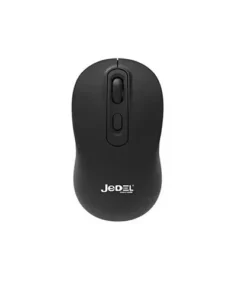
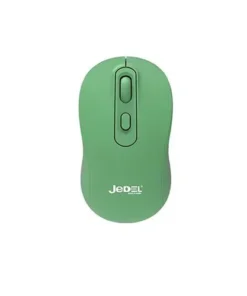
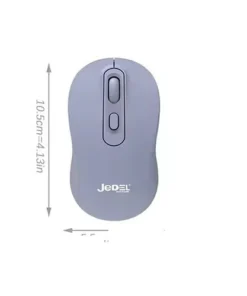
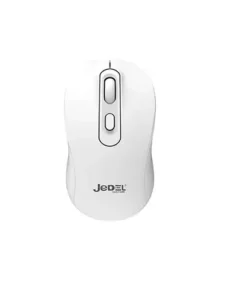
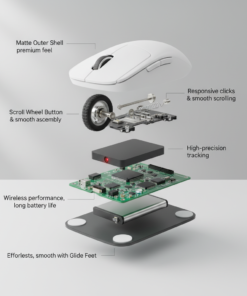
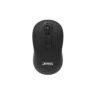
Jedel W926 Wireless Mouse
Buy the Jedel W926 Wireless Mouse in Bangladesh from T-TECH. A genuine mouse with reliable performance and great value. Price in Bangladesh: 530. 100% authentic with warranty and cash on delivery nationwide.
 Call Now for Online Order
 Via Messenger
 Via WhatsApp
Warranty

Shipping


Payment Methods
Delivery Time
Inside Dhaka: Next day to 3 business days. *Inside Dhaka North and South City Corporation. Outside Dhaka: Next day to 5 business days.
Shipping Charge
Inside Dhaka: Starts from 70Tk. Outside Dhaka: Starts from 120Tk.
Payments
Spend TK.5000+ & pay in 3-36 months.
Jedel W926 Wireless Mouse
Description
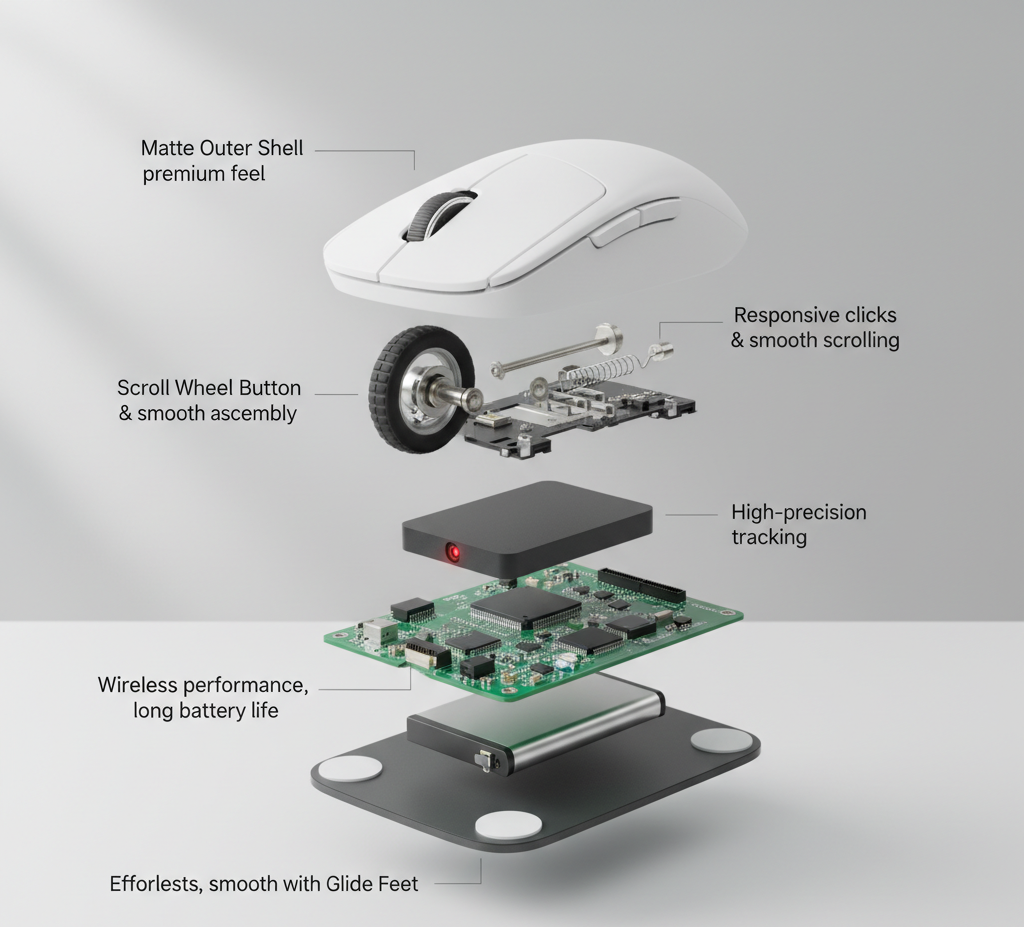
The Jedel W926 is a 4-button wireless optical mouse that emphasizes mobility and ergonomic comfort. It utilizes a 2.4GHz wireless connection via a tiny Nano USB receiver that can stay plugged into your laptop. Its “Medium-Slim” profile is designed to reduce hand strain during long study or work sessions, and its lightweight build (~65g) makes it effortless to carry in a pocket or bag. Unlike standard office mice, the W926 often comes in a range of vibrant colors to match modern workspace aesthetics.Order from T-Tech or visit our Shop- (New)06, 1st Floor, Shah Amanat City Corporation Super Market, Chittagong, Bangladesh.
Specifications
| Feature | Details |
| Model | W926 |
| Connectivity | 2.4GHz Wireless (Nano USB Receiver) |
| Sensor Type | High-Precision Optical |
| Resolution | Adjustable: 800 – 1200 – 1600 DPI |
| Number of Keys | 4 (Left, Right, Scroll Wheel, DPI Switch) |
| Working Distance | Up to 10 Meters |
| Dimensions | 105.5 × 58 × 36 mm |
| Weight | Approx. 65g (Mouse only) |
| Battery Type | 1 × AA Battery |
| Colors Available | Black, White, Green, Lavender/Pink |
Key Features
-
Customizable Sensitivity: Features a dedicated DPI button to cycle through three levels (800/1200/1600), allowing you to adjust cursor speed for precision tasks or fast browsing.
-
Vibrant Color Palette: Available in multiple colors like Lavender and Mint Green, moving away from the traditional “boring” office black.
-
Silent Click Technology: Many versions of the W926 are equipped with silent-click switches, making it perfect for use in libraries, cafes, or quiet offices.
-
Advanced Power Saving: Built with an intelligent sleep mode that powers down the sensor when not in use, significantly extending the life of the single AA battery.
-
Ergonomic Symmetrical Build: The contoured shape is comfortable for both left and right-handed users.
-
Plug-and-Play: Requires no software; compatible with Windows, macOS, and Linux out of the box.
Jedel W926 Wireless Mouse Best Price in Bangladesh
Jedel W926 Wireless Mouse Best Price in Bangladesh is 530 BDT.
FAQs
Q: How do I connect the mouse for the first time?A: Open the battery cover on the bottom, insert one AA battery, and remove the Nano USB receiver. Plug the receiver into your computer’s USB port and turn the mouse on; it will pair automatically within seconds.
Q: Is this mouse good for gaming?A: It is excellent for casual gaming (like Sims or Minecraft) due to its adjustable DPI. However, for competitive eSports, a wired Jedel GM series mouse is recommended for lower latency.
Q: Where is the USB dongle?A: If it’s not in the box, check the bottom of the mouse. There is usually a storage slot next to the battery compartment specifically designed to hold the receiver so you don’t lose it.
Q: What is the “4th button” for?A: The 4th button is located just below the scroll wheel. It is the DPI switch used to change how fast the cursor moves on your screen.
Frequently Asked Questions
What is the price of the Jedel W926 Wireless Mouse in Bangladesh?
The Jedel W926 Wireless Mouse is priced at BDT 530 at T-TECH Bangladesh, with EMI options available on eligible cards.
Is the Jedel W926 Wireless Mouse an authentic product?
All Jedel products sold at T-TECH Bangladesh are 100% genuine, sourced through official channels.
Does the Jedel W926 Wireless Mouse come with a warranty?
Yes, it comes with official warranty coverage handled directly through T-TECH's after-sales service.
Can I pay cash on delivery for the Jedel W926 Wireless Mouse?
Yes, cash on delivery is available nationwide, along with EMI payment options on eligible cards.
How long does delivery take for the Jedel W926 Wireless Mouse in Bangladesh?
Orders are typically processed within 1 business day and delivered within 1–5 business days across Bangladesh, with a 7-day return window.
| Color | Black, Green, Lavender, White |
|---|
Brand
Jedel
Be the first to review “Jedel W926 Wireless Mouse”
Related products
Reviews
There are no reviews yet.