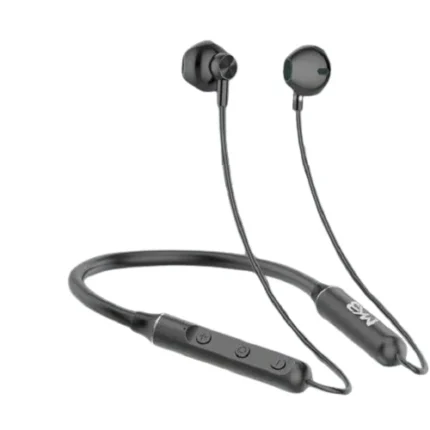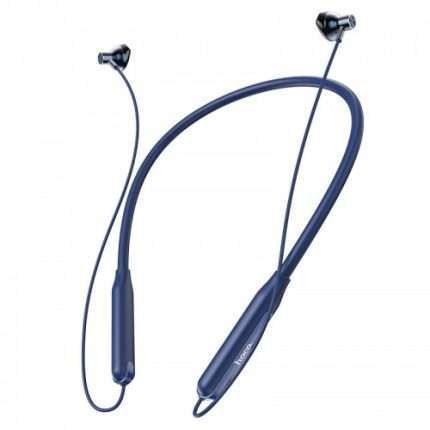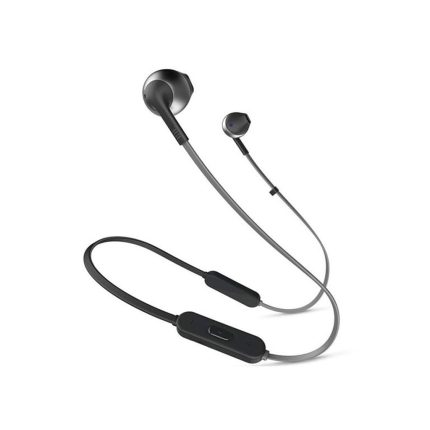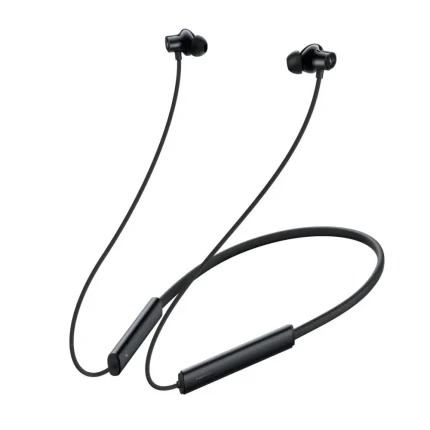



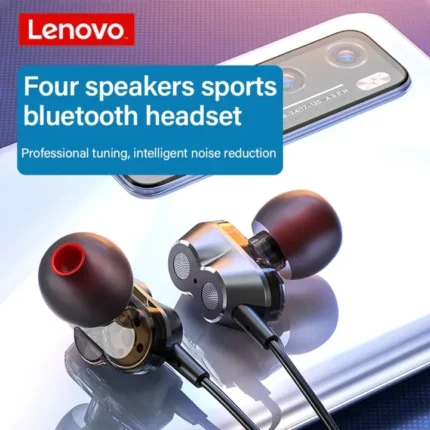
Lenovo HE08 Bluetooth Headphone
Original price was: ৳ 1,800.00.৳ 1,200.00Current price is: ৳ 1,200.00.
 Call Now for Online Order
 Via Messenger
 Via WhatsApp
EMI available for orders above ৳ 5,000.00.


Warranty

7 Days Replacement

6 Month Warranty
Shipping


Payment Methods
Delivery Time
Inside Dhaka: Next day to 3 business days.
*Inside Dhaka North and South City Corporation.
Outside Dhaka: Next day to 5 business days.
Shipping Charge
Inside Dhaka: Starts from 60Tk.
Outside Dhaka: Starts from 120Tk.
Payments
Spend TK.5000+ & pay in 3-36 months.
Lenovo HE08 Bluetooth Headphone
Description
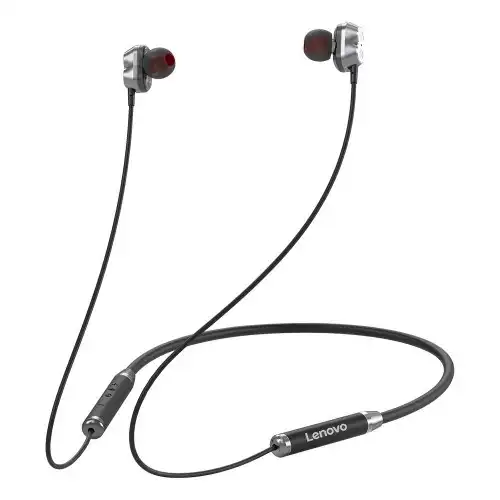
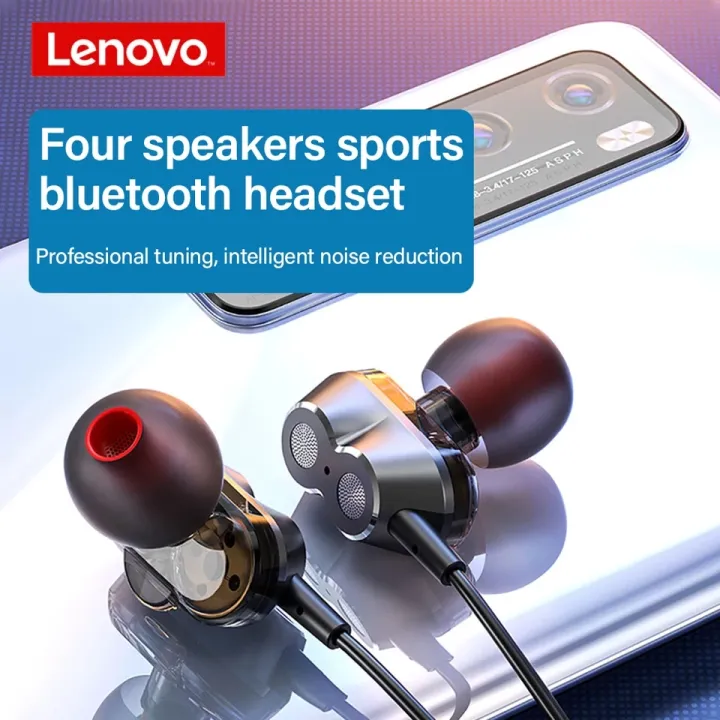
The Lenovo HE08 features a flexible neckband design crafted from skin-friendly silicone. It is specifically designed for users who need a stable audio solution for sports, commuting, or long-term daily wear. Its standout feature is the 4-speaker system, which aims to separate high and low frequencies more effectively than single-driver models.Order from T-Tech or visit our Shop- (New)06, 1st Floor, Shah Amanat City Corporation Super Market, Chittagong, Bangladesh.
Key Features
-
Dual Dynamic Drivers: Equipped with 4 speakers (2 per side) to deliver rich bass and clear treble simultaneously.
-
Bluetooth 5.0: Provides a stable connection with lower power consumption and reduced latency.
-
IPX5 Water Resistance: Protects against sweat and light rain, making it suitable for gym sessions.
-
Ergonomic Neckband: The flexible material ensures it sits comfortably on the shoulders without slipping.
-
Magnetic Earbuds: The buds snap together when not in use, preventing tangles and making it easier to carry around your neck.
-
Integrated Controls: Built-in buttons for volume adjustment, track skipping, and answering calls.
Specifications
| Feature | Specification |
| Model | Lenovo HE08 |
| Connectivity | Bluetooth 5.0 |
| Driver Diameter | 6mm (Dual Dynamic per side) |
| Frequency Range | 20Hz – 20,000Hz |
| Sensitivity | 98 ± 3dB |
| Impedance | 12Ω |
| Battery Capacity | 80mAh – 105mAh (varies by region/batch) |
| Playtime | Approx. 8 hours |
| Standby Time | Approx. 120 hours |
| Charging Time | Approx. 2–3 hours |
| Charging Port | Micro-USB (Mini USB) |
Lenovo HE08 Bluetooth Headphone best price in Bangaldesh
Lenovo HE08 Bluetooth Headphone best price in Bangaldesh is 1,200 BDT.


FAQs
Q: How do I pair the Lenovo HE08 with my phone? A: Turn on Bluetooth on your phone. Press and hold the power button on the neckband for about 5 seconds until the indicator light flashes (usually red and blue). Select “Lenovo HE08” from your device’s Bluetooth list.
Q: Can I use it for gaming? A: While it uses Bluetooth 5.0, it is not a dedicated “low-latency” gaming headset. It works well for casual gaming, but competitive players might notice a slight audio delay.
Q: Does it have noise cancellation? A: It features Passive Noise Isolation (due to the in-ear design) and some versions include CVC noise-canceling microphones for clearer calls, but it does not have Active Noise Cancellation (ANC).
Q: Is it compatible with iPhone and Android? A: Yes, it is fully compatible with any Bluetooth-enabled device, including iOS, Android, and Windows.
Q: How do I reset the earphones? A: If you experience pairing issues, you can usually reset them by holding the power button for 10+ seconds while they are off, or by unpairing them from your phone and “forgetting” the device before reconnecting.
Brand
LENOVO
Related products